Security Television Network
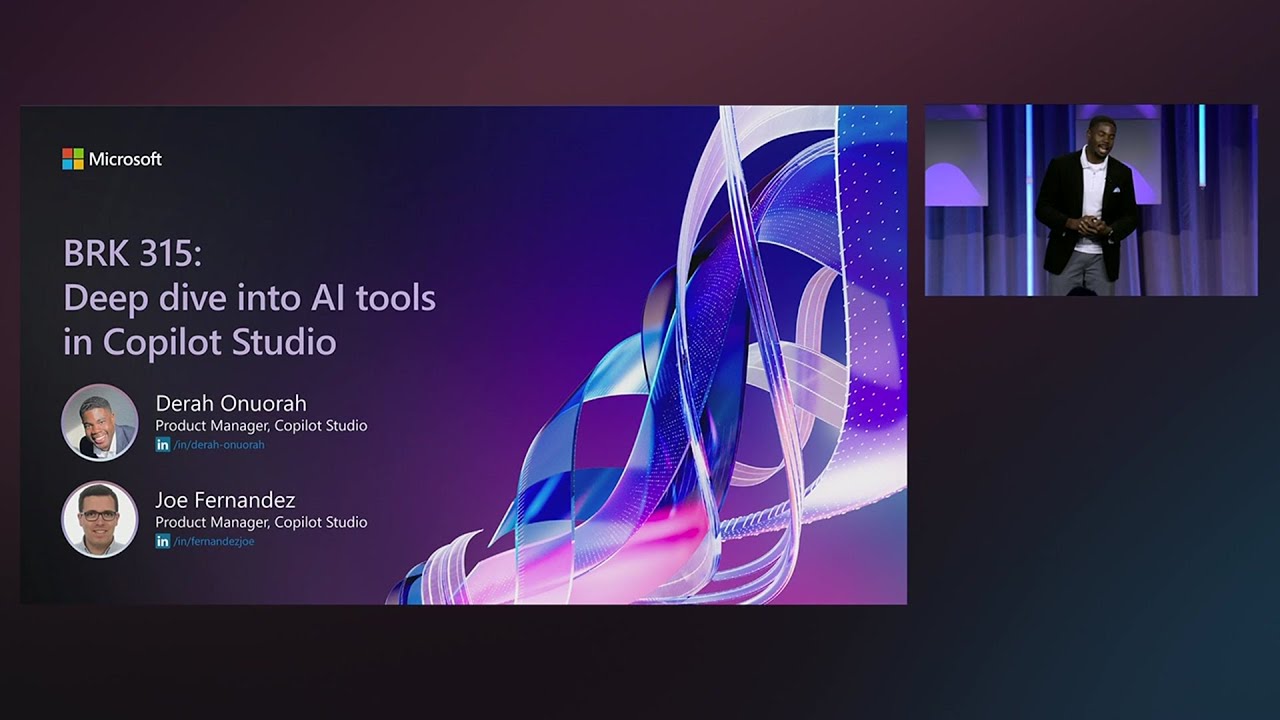
Deep dive into AI tools in Copilot Studio | BRK315
Learn how to leverage the most advanced industry and function-led AI tools in Copilot Studio, to create agents that deliver powerful solutions across the Microsoft 365 Copilot ecosystem and beyond. To learn more, please check out these resources: * https://aka.ms/ignite25-plans-lowcode 𝗦𝗽𝗲𝗮𝗸𝗲í µ
About this video
Learn how to leverage the most advanced industry and function-led AI tools in Copilot Studio, to create agents that deliver powerful solutions across the Microsoft 365 Copilot ecosystem and beyond.
To learn more, please check out these resources: * https://aka.ms/ignite25-plans-lowcode
𝗦𝗽𝗲𝗮𝗸𝗲𝗿𝘀: * Derah Onuorah * Wassim Wehbi
𝗦𝗲𝘀𝘀𝗶𝗼𝗻 𝗜𝗻𝗳𝗼𝗿𝗺𝗮𝘁𝗶𝗼𝗻: This is one of many sessions from the Microsoft Ignite 2025 event. View even more sessions on-demand and learn about Microsoft Ignite at https://ignite.microsoft.com
BRK315 | English (US) | Copilot and agents at work, Microsoft 365 Copilot, Copilot Studio, Copilot Agents; Innovate with low-code AI and agents, Copilot Studio
Breakout | Intermediate (200)
#MSIgnite, #Innovatewithlow
Chapters: 0:00 - What is Copilot Studio – Three Experience Types 00:03:34 - Types of Agents – Retrieval, Task, and Autonomous Agents 00:08:22 - Using Model Context Protocol (MCP) with Copilot Studio 00:13:08 - Overview of tools and connectors integrated into the agent 00:20:11 - Introducing Human-in-the-Loop Request for Information in Agents 00:24:52 - Explaining When to Use Agents vs. Workflows 00:29:25 - AI Prompts for Extracting Invoice Information 00:32:33 - Introduction to Full Agent Demo in Copilot Studio 00:38:29 - Running the Agent Demo with Human-in-the-Loop and AI Decision Making
Attribution: Microsoft Events
The interactive STN application appears here when JavaScript is available. Published facts and source links above remain readable without JavaScript.